From design to approval. Without misunderstandings.
VIKASA SPACE takes your Rhino model to your customers: show it in 3D, discuss it at the exact spot and get a binding approval. You know weight and stones before casting.
With the features of Professional. No automatic charge after the trial.
Try itThis page is hands-on: wherever it says “Try it”, you can use it yourself.
12.52 gin 750 yellow gold, calculated by the portal
9stones from the export
21.01 mminner diameter, measured
The workflow
One model. One shared status.
Eight steps from Rhino to production. The ring is a real model.
01 / 08From Rhino
Drag to rotate
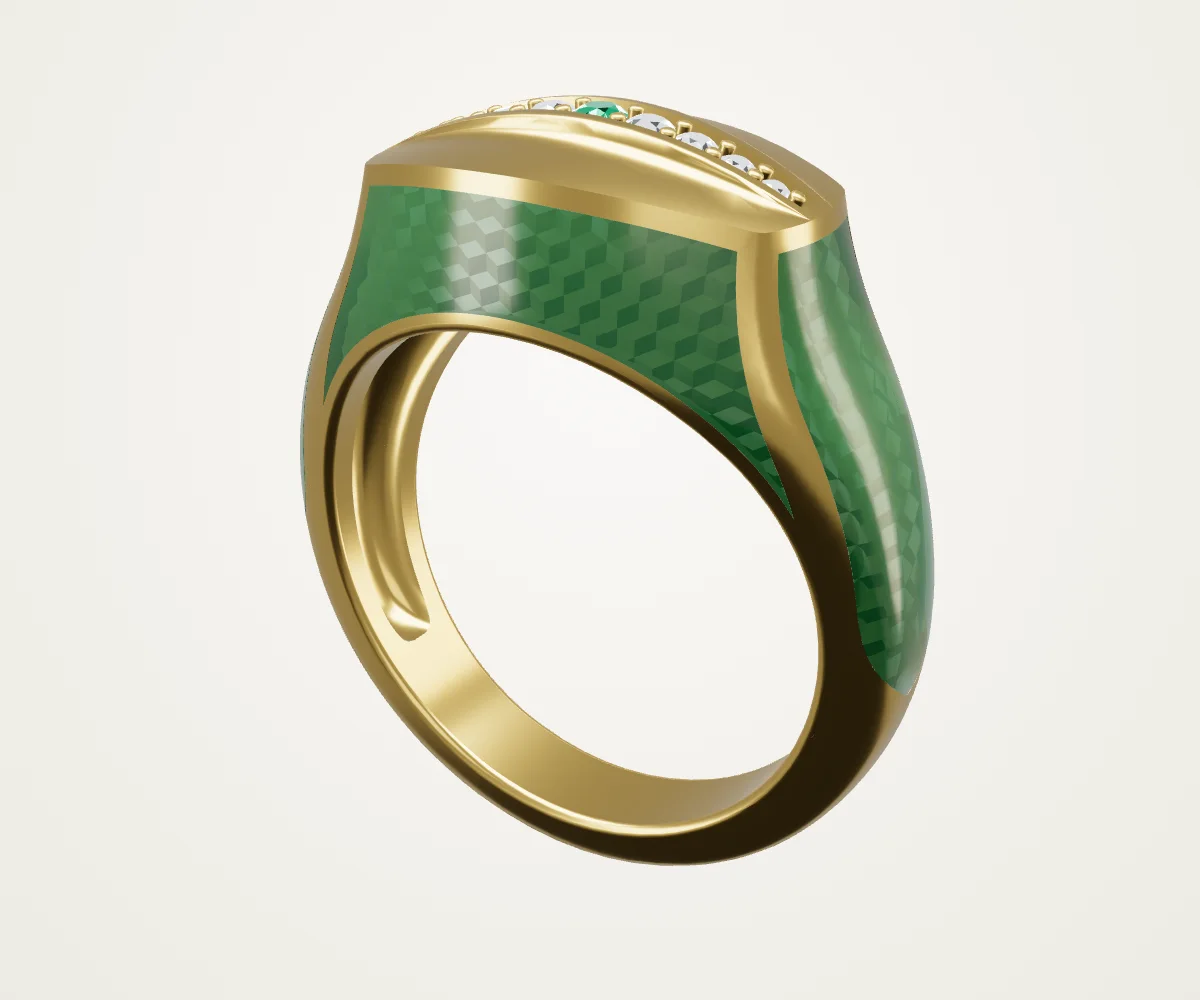
The 3D view needs WebGL. You see a still image of the Vikasa ring; all information is also given in the text.
Vikasa ring · reduced display version of the real model
01 · From Rhino
Check and export in Rhino. Upload in the portal.
You design as usual. The VIKASA exporter analyses the model in Rhino, you check the result and export a GLB.
1
AnalyseThe exporter determines metal volume and stones.
2
Check stonesCorrect shape, dimensions and count, add or exclude stones and show them in Rhino.
3
Export as GLBEnter CAD number and jewellery type, then export.
4
Upload in the portalUpload the GLB. The model is ready for your customers.
Stones come from existing stone blocks. Without blocks, a heuristic shape analysis applies. Please check the results before production. Open or invalid geometry is only prepared on measuring and export copies, never on the original.
02 · Discuss
Exactly this spot.
Your customer places a point directly on the model. An image of the view is saved with it, and you reply in the same place.
Try it
Every point on the model belongs to a conversation. Choose a point or a conversation: both lead to the same spot.
03 · Approve
One version. One commitment.
You publish a frozen version. Every participant agrees or declines, then the production approval follows.
Version publishedThe version is frozen and identical for all participants.
Everyone has agreedEvery agreement or rejection is bound to this version.
Production approvedProduction starts with a binding commitment.
If the model changes, earlier commitments do not continue to apply automatically. Versions remain comparable.
04 · Weight and stones
Weight and stones before casting.
Metal volume and stones come from the export. The portal calculates the weight per alloy from them.
Try it
Article data · Vikasa ring
Metal weight
12.52 g
Metal volume
813.18 mm³
Stones
9
1 × emeraldround · 2.00 mm
2 × brilliantround · 1.75 mm
2 × brilliantround · 1.55 mm
2 × brilliantround · 1.35 mm
2 × brilliantround · 1.10 mm
Also as PDFXLSX
The values belong to the ring shown. The weight results from the volume and the density of the alloy.
05 · Present
Every piece in its best light.
Your customers see the model in 3D on phone, tablet and desktop. You tune the colours of the model layers and save the configuration. You also set light and background colour and save them.
Try it
Tune the layer colours
Tap a colour
Saved configurations
Up to three of your own entries here. The oldest one was replaced.
Try it
Light and background
Saved light profiles
Up to three of your own entries here. The oldest one was replaced.
In the portal, customers see the published colour variants. Here everything stays on this page.
Every layer has its own colour. Recolouring the metal only changes the metal; stones and other layers stay.
06 · Inspect
Measure in millimetres. Look inside.
Measure between 2 points, gap, plane distance, wall thickness and bounding box. Section views with a movable section plane show the inside, such as wall thicknesses and stone seats.
Try it
Inner diameter21.01 mm
Shank wall thickness2.32 mm
Shank width4.42 mm
Emerald, diameter2.00 mm
All dimensions were measured on the model. The dimension lines lie on the section face.
07 · Approval links
Approval by link. Even without an account.
Share a design by link. The recipient views it and can approve the design directly.
Try it
Link shared
Link opened
Design approved
Viewing link · Vikasa ring
View without an account
Approved. Thank you.
The link is time-limited and, in the Premium plan, additionally PIN-protected. The “Link opened” mail reports the access. The pricing table shows the scope per plan.
08 · Production
Always know where the prototype is.
Production tracks every piece as a workflow: from the idea via CAD, approval, print and casting to the finished piece. You see at a glance at which step and with whom a prototype is and when it is due back.
Try it
Production · Vikasa ring
Current step
Idea
Currently with
Foundry
Due
on schedule
Tap a step to move the prototype on.
Steps can be renamed, moved, hidden and extended with your own. Responsible persons, due dates with a traffic light, sizes and mould and casting numbers are kept on the workflow. Production is included in all plans.
Collection
Your collection. Always with you.
Every uploaded model appears with a preview image in your collection, on phone, tablet and desktop.
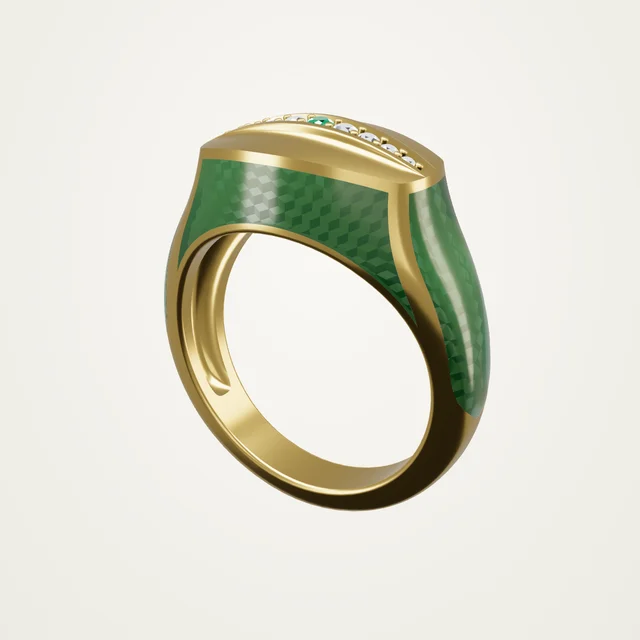
Vikasa ringGLB · 3DM
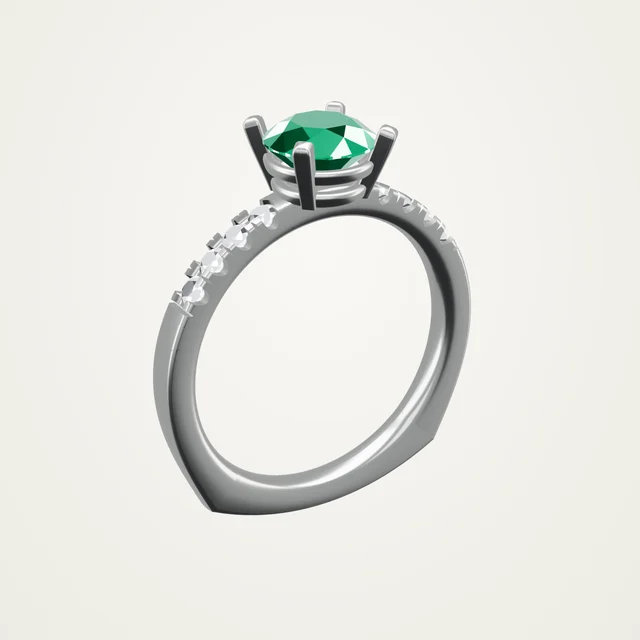
SolitaireGLB · 3DM
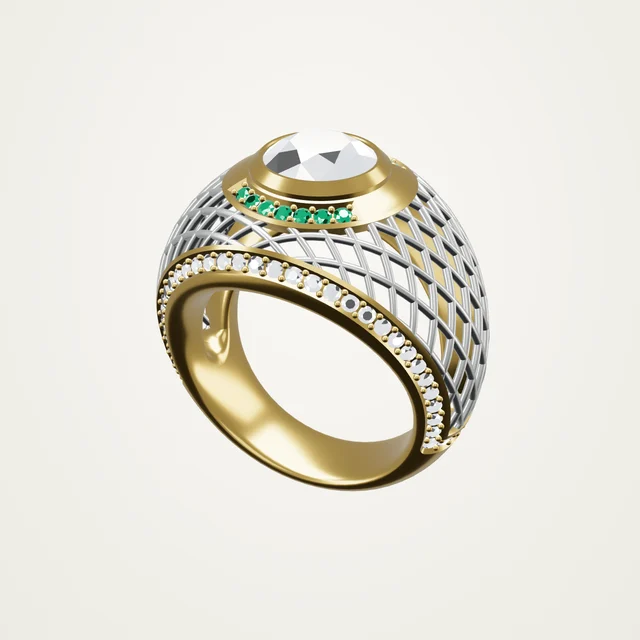
Ring-MeshGLB · 3DM
Sample models, rendered in the portal.
Know where the files are.
Every model has a GLB preview. You recognise a piece by its image instead of its file name and find the matching Rhino file faster.
The exporter saves the location of the .3dm when exporting.
You add the STL path later in the portal.
When an order comes in, you know at once where the files are.
File locations on the model
Rhino
D:\Models\Rings\Vikasa-Ring.3dm
STL
D:\Production\STL\Vikasa-Ring.stl
Rhino
D:\Models\Rings\Solitaire.3dm
STL
D:\Production\STL\Solitaire.stl
Rhino
D:\Models\Rings\Ring-Mesh.3dm
STL
Not added yet
Sample paths. The files themselves stay on your computer.
AI wearing images
On the finger before casting.
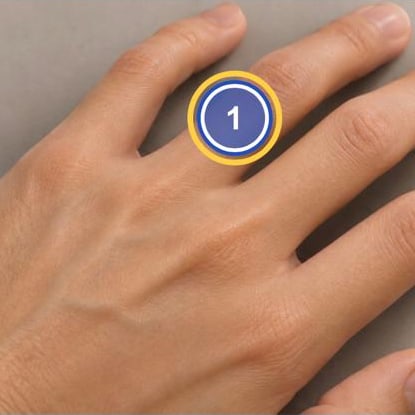
You mark the spot in the photo where the ring should sit. The AI places the piece there. Up to three rings from the customer area fit into one image, also stacked on one finger.
Mark and move the spot in the photo
Up to three ring models in one image, also stacked
Billed with credits per image
Every image is labelled “AI-generated”
Try it
Mark the spot for the ring.
1 – Vikasa ringNot marked yet
2 – SolitairePosition marked
3 – Ring-MeshPosition marked
Up to three ring models from the customer area are possible, also stacked. Every marker can be moved in the photo. The photo shows the result for ring 1.
More features
Everything that happens between design and casting.
Team
Owners, administrators and staff with individually assigned permissions.
External designers
Personal model orders with up to 5 briefing attachments (JPG, PNG, PDF).
Model replacement
Upload new geometry, the discussion is kept.
Your own brand
Company logo and appearance, your own customer areas. Each customer only sees the content shared with them.
Exports
Views and article data as PDF, model data as XLSX, the model as GLB.
Servers in GermanyHosted at Hetzner
Separated companiesCompany separation and private files
GDPRData export and deletion
Two languagesGerman and English
Pricing
The right plan for your work.
Try free for 28 days with the features of Professional, up to 10 models and 1 GB.
The annual subscription is available for businesses. Private customers book monthly.
All prices include 19% VAT. Monthly or annual renewal; cancel at the end of the paid period.
Good to know
Getting started is easy.
Do I need an account for the sample model?
No. The ring on this page works without signing in. It is the real Vikasa ring in a reduced display version. Your own models and customer areas belong in the protected portal.
What can I try on the sample model?
You can rotate the ring, tune the layer colours and save them as a configuration, set light and background colour and move a section plane. The portal adds measuring tools, article data and discussion on the model.
Can I use VIKASA SPACE on a smartphone?
Yes. Start page, model view and portal adapt to phone, tablet and desktop. In the portal’s model view you rotate with one finger and zoom with two fingers.
How do I get access for my company?
Register with your email address. The trial lasts 28 days with the features of Professional. If you already have an account or were invited, use “Sign in”.